Pay smart with Google Pay and wamo
Make fast, secure business payments right from your Android phone, smartwatch, or tablet.
22 valutor
Built-in security
Hastighet
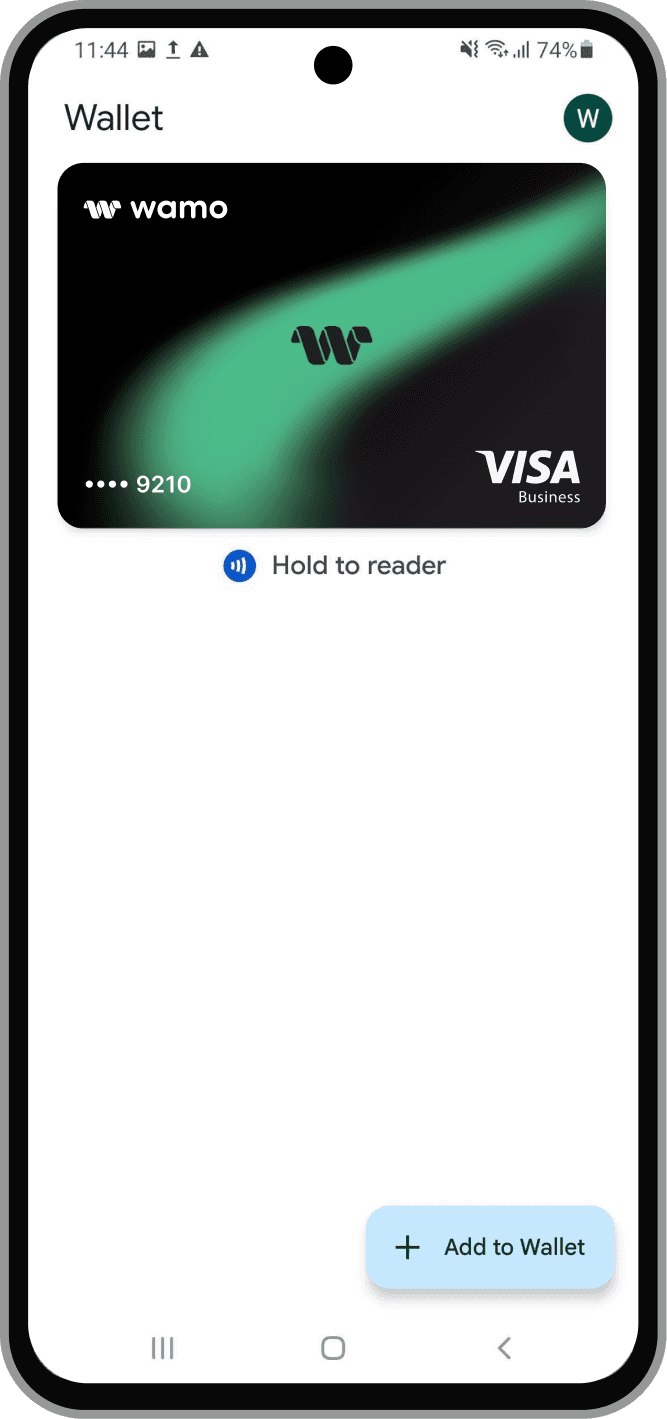
Security
Your card details are never shared.
Privacy
Google doesn’t store or sell your transaction history.
Simplicity
Just unlock, tap,
and pay.
Hastighet
Pay in seconds with your fingerprint or screen lock.
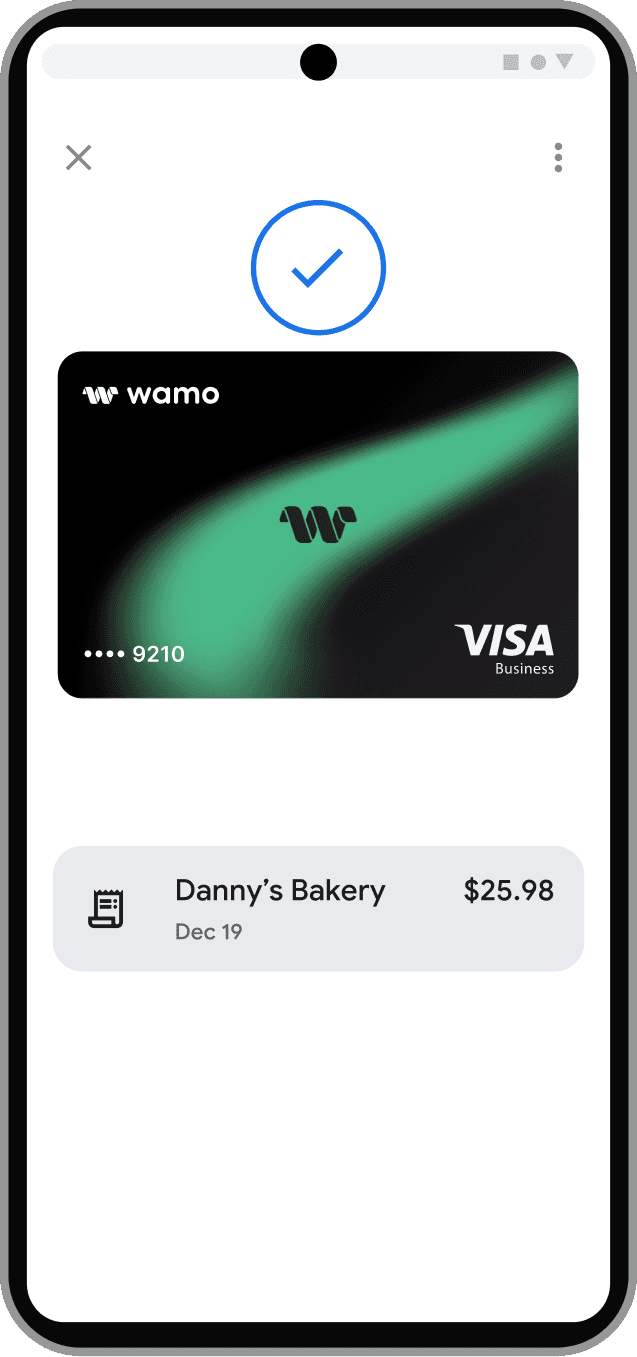
Google Pay for contactless payments
You can use your wamo Visa debit card with Google Pay for quick, secure, contactless payments – in-store, online, or in apps. Just tap, authenticate, and go – no card or cash needed.
Using Google Pay and wamo
Add your wamo card and start paying the smart way.
Open the wamo app
Go to the Card page
Tap “Add to Google Pay”
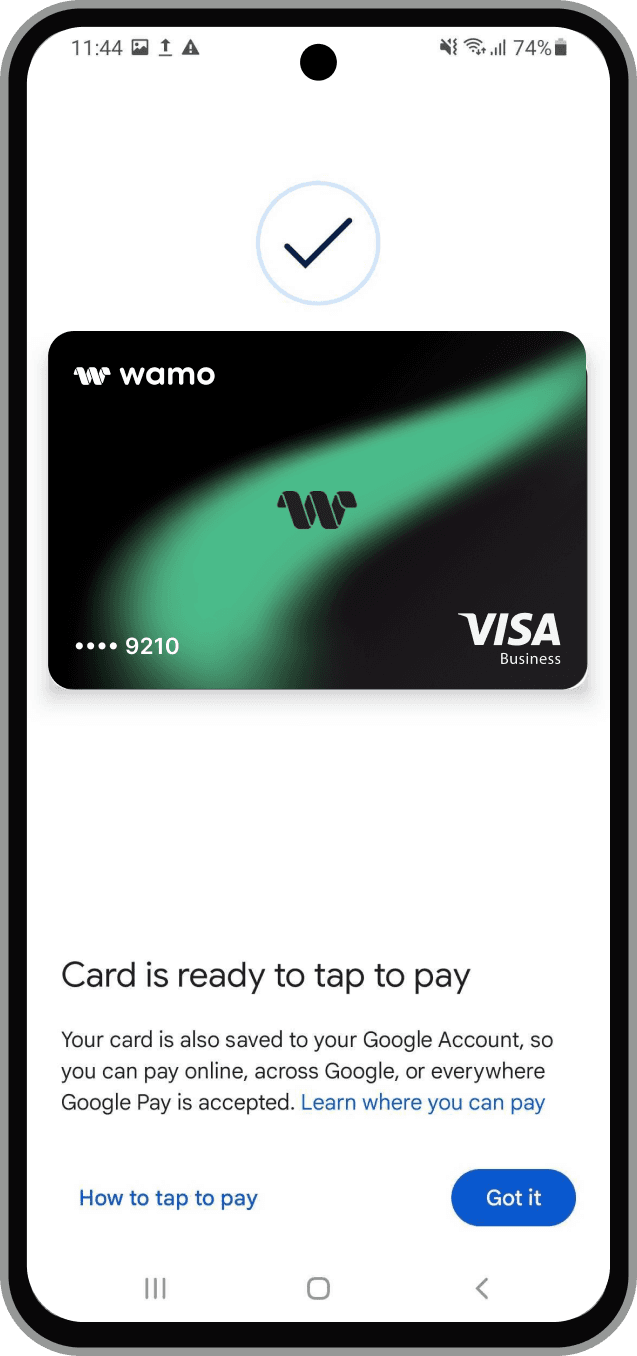
About wamo Visa Debit cards
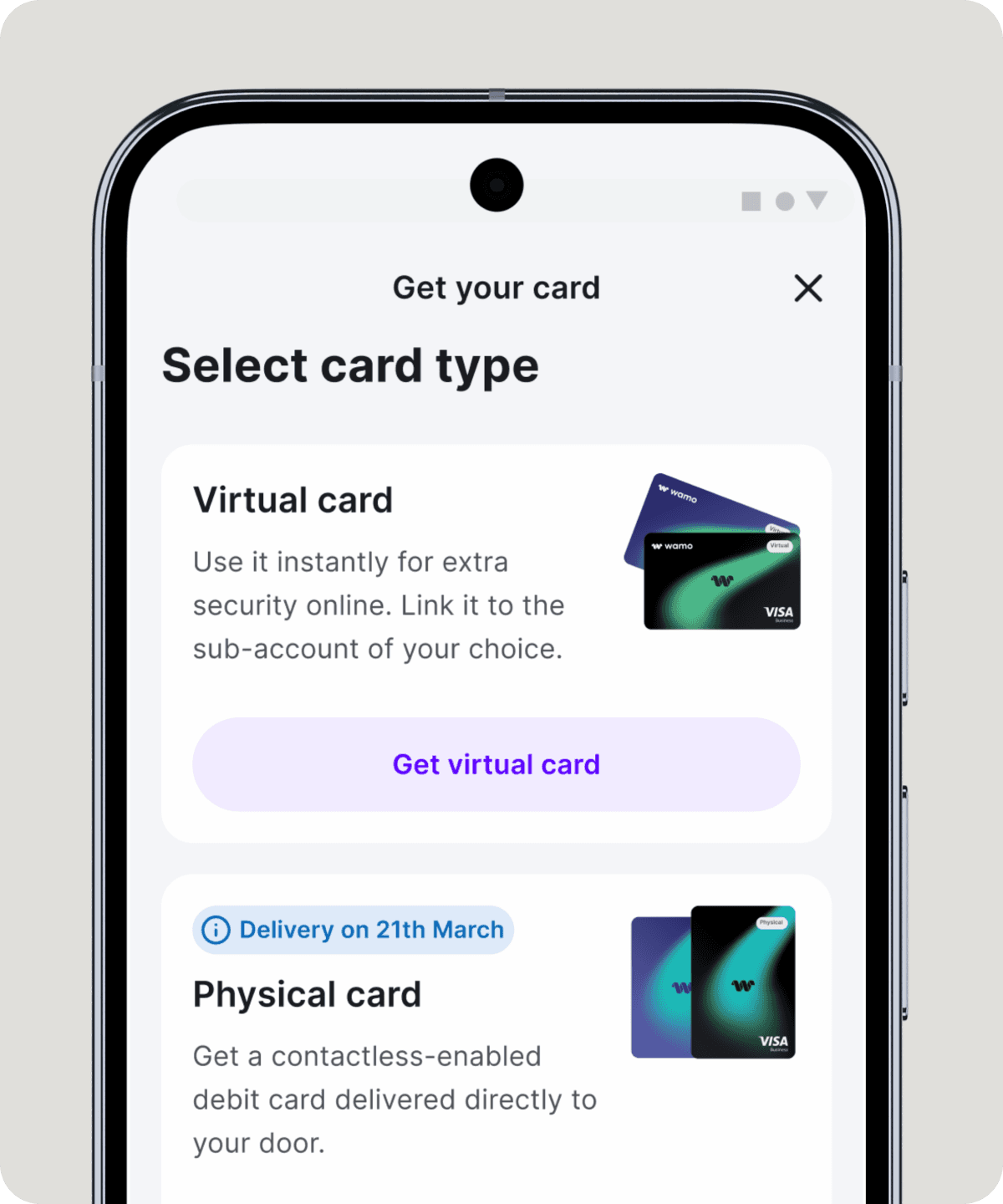
Issue instantly
Create virtual or physical cards for your team in seconds, and you can spend straight away.
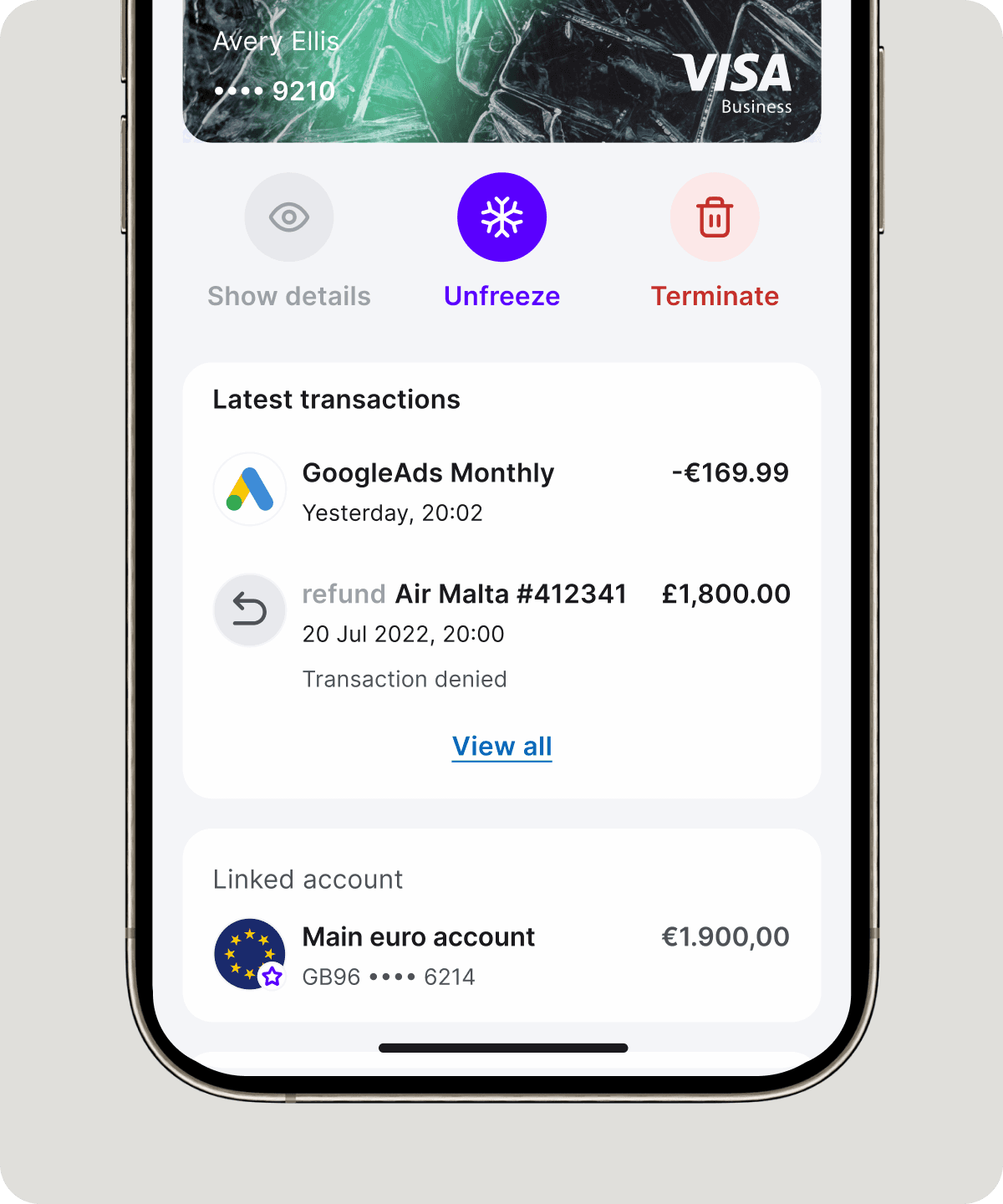
Track every payment
Never miss a transaction with real-time spend notifications and account insights.
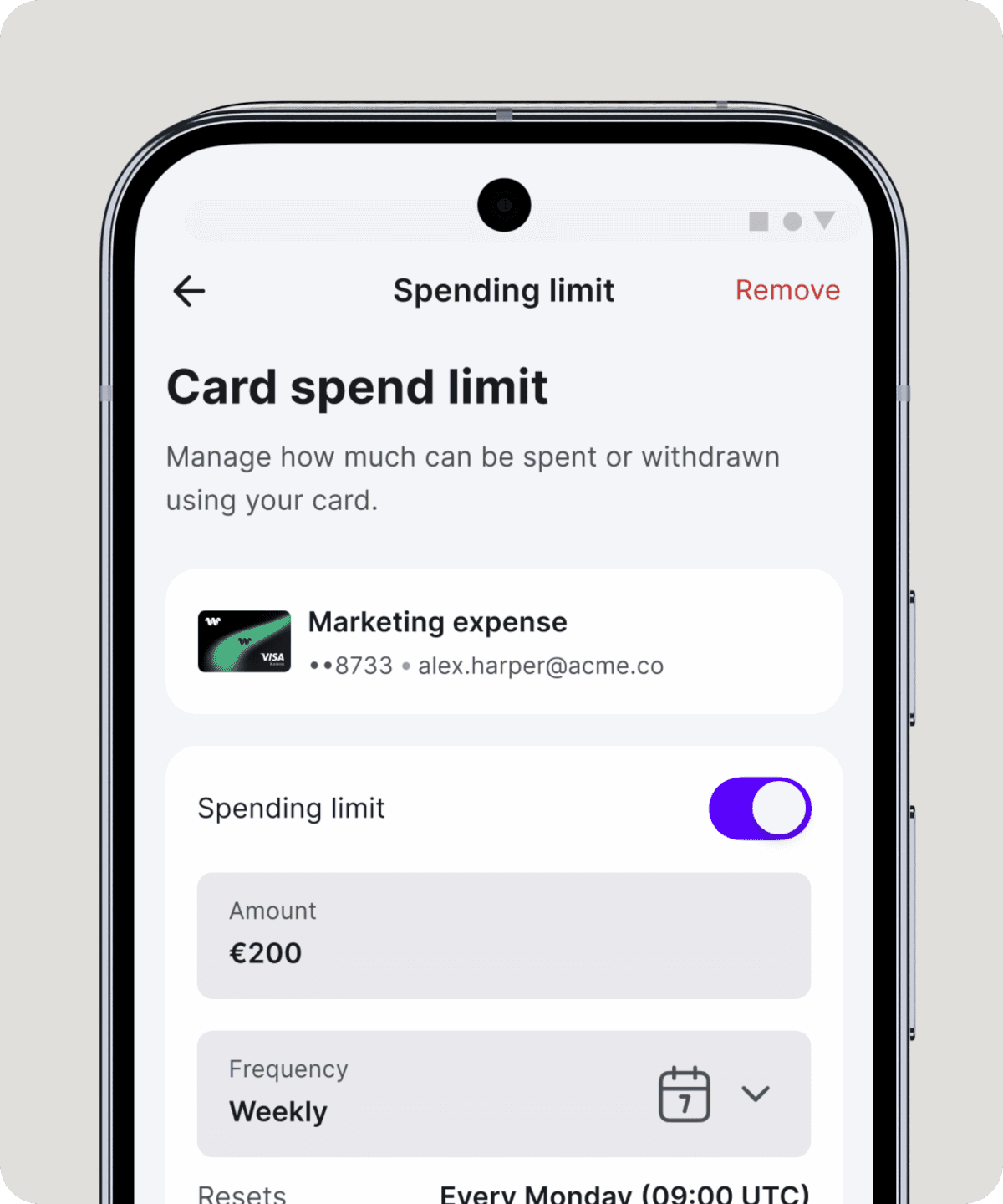
Set spending rules
Assign card limits, lock categories, and stay in control of how and when money moves.
Vanliga frågor
What devices support Google Pay?
Most Android phones running Lollipop 5.0 or higher and smartwatches with Wear OS support Google Pay. Visit the Google Pay Help page for the latest device list.
Is Google Pay safe to use?
Yes. Google Pay uses tokenisation to keep your card information secure. Your actual card number is never shared with merchants. Each payment requires authentication via fingerprint, face recognition, or your device passcode.
Does it cost extra to use Google Pay?
No. Google doesn’t charge any fees to use Google Pay in shops, online, or in apps.

